



Perplexity released a new app, and windows for some reason is making it harder to put shortcuts on the desktop.
Because they seem to think that this is not how we should organise things.
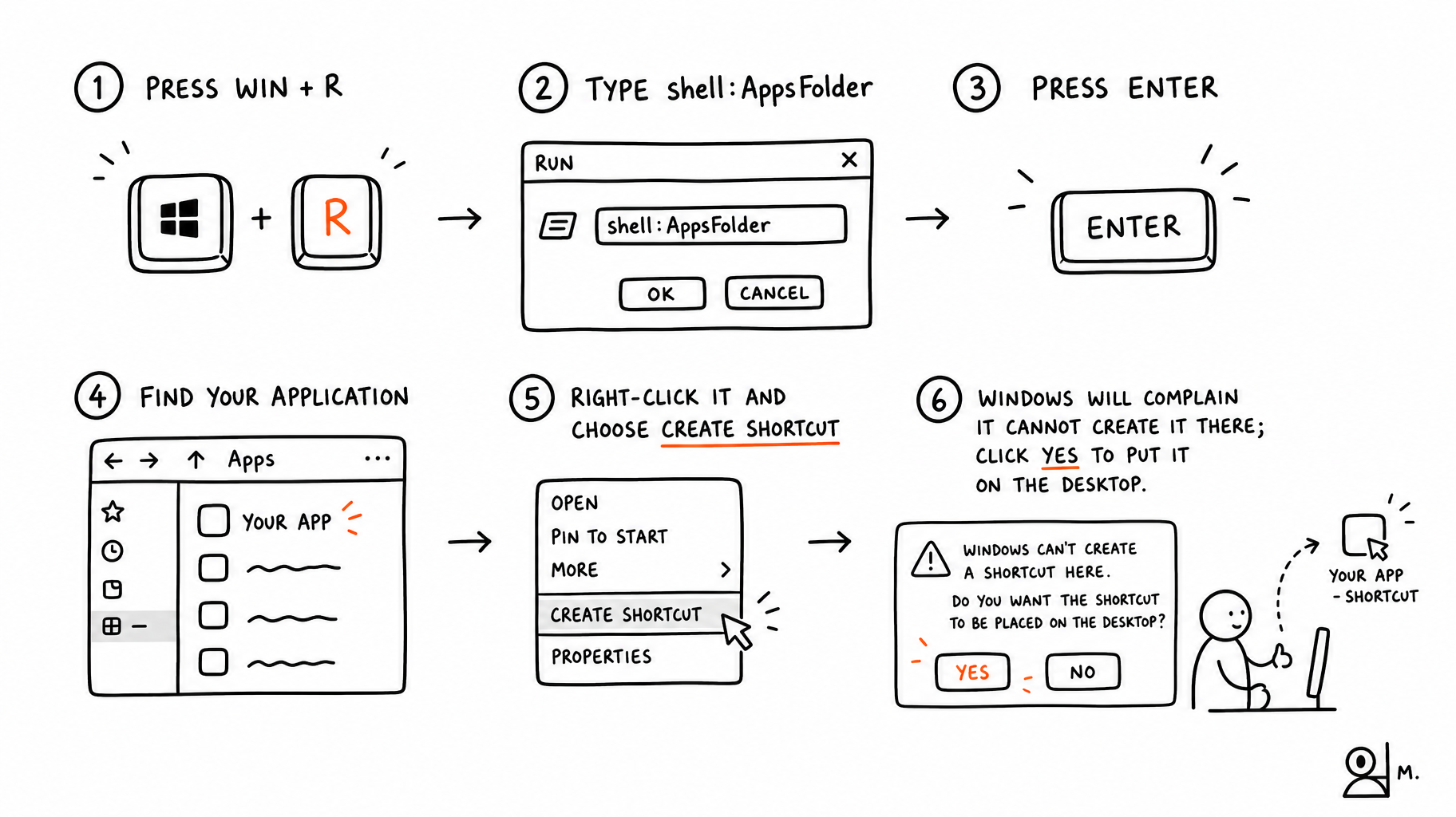
So here is how you do it:
- Press Win + R
- Type
shell:AppsFolder - Press Enter
- Find Your Application
- Right-click it and choose Create shortcut (or just drag it to desktop)
- Windows will complain it cannot create it there; click Yes to put it on the desktop.
That works for most installed Windows apps, including web apps that Windows presents as applications.
This note, is part of an experiment to create simple supporting instructional images with, you guessed it, AI.