



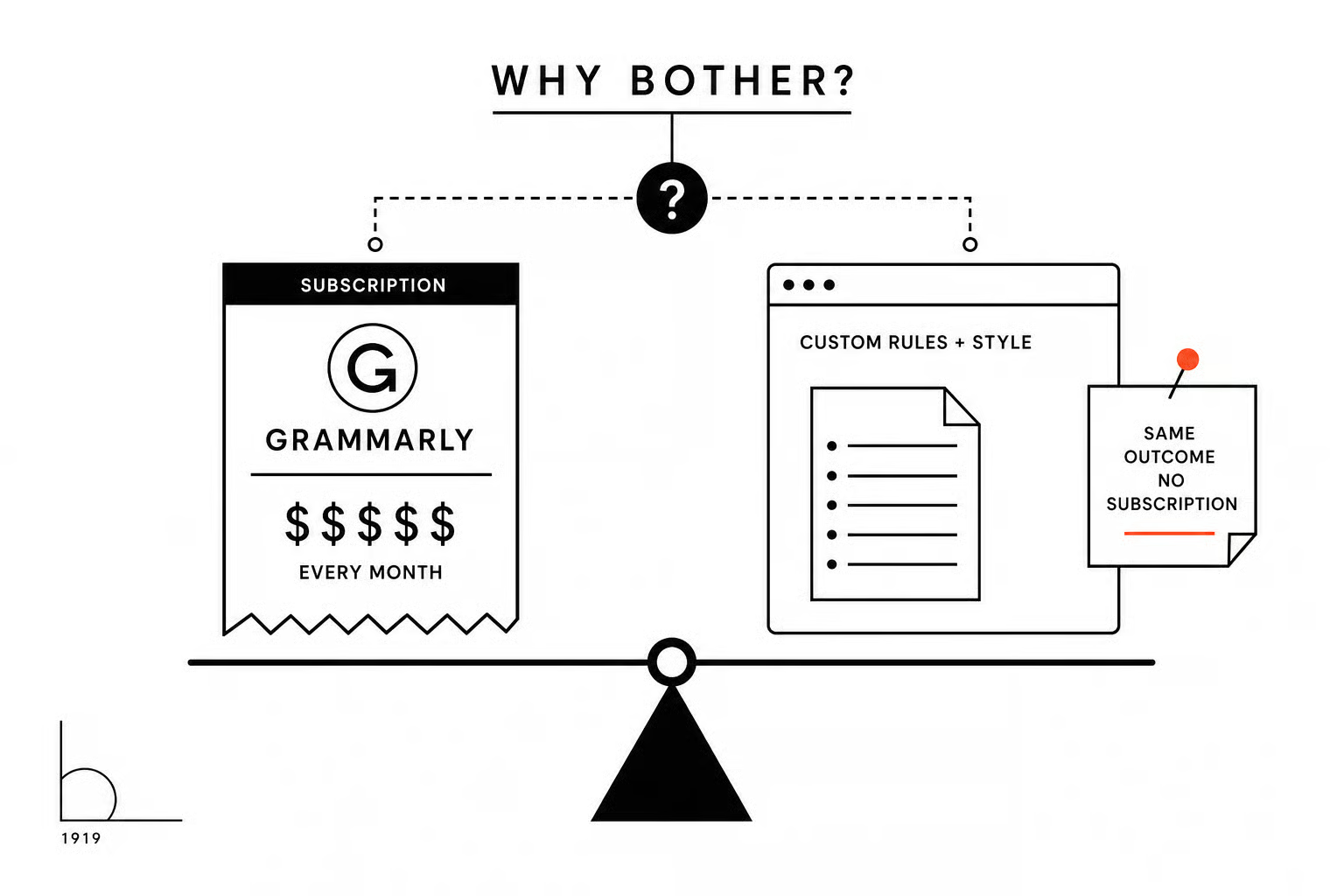
The Megatrend 3 article is the first article where we used our own custom skills in Claude to run the editorial check.
On the "why bother" question: the main driver for building this originally was to remove a subscription. Specifically, Grammarly. The argument for me was simple. If you put the right rules and styles into a language model, can you can get to the same outcome - we proved that to be true. Now why keep paying for what has become a very expensive Grammarly subscription, especially when Grammarly's own AI integration has made the writing output feel worse, not better, and less authentic?
In previous articles, the approach was to load the relevant context and reference documents as project files inside a dedicated Claude project. That worked, up to a point.
The frustration was that Claude, being a language model, would sometimes just make things up, or worse, tell you it had referenced the files when it hadn't. You'd end up going round in a loop of AI frustration that didn't go anywhere productive.
I'd been watching skills become more robust over time, and what we did for this article was take all those reference files we'd already created and package them into Claude as a skill instead. That solved a lot of problems. You can reference a skill directly, which you can't do with project files, and it created a much more consistent outcome when applying house styles, grammar rules, and editorial checks to articles.
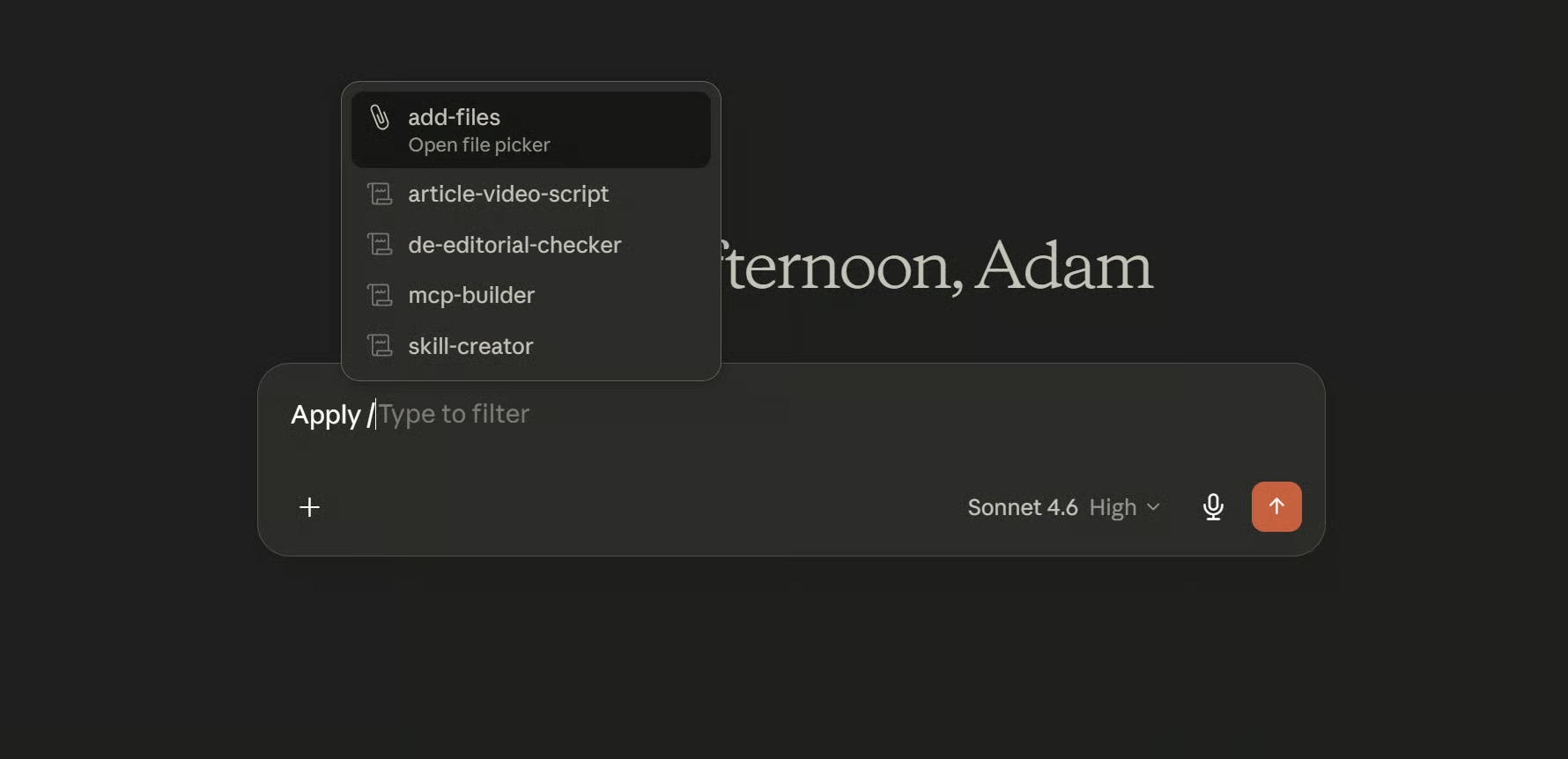
The rest of the production process stayed largely the same.
There's another advantage worth mentioning, particularly if you're on a team plan: skills are shared across the entire organisation. That matters because maintaining project files was starting to become a headache. We'd been using Google Docs for that, which worked, but you're increasingly working outside the place where the actual work is happening. Skills bring it back inside the tool.
We've shared the editorial skill the repo, you can download or clone it if that's useful. Simply click on the code button and select download zip and use this zip file to add the skill to Claude desktop.
One further reason for exploring this approach was that we found that by trusting Grammarly's suggestions and clicking yes through them, by the end of it the piece read like it had been written by a robot. That's the opposite of what we're trying to do here.
A further benefit of taking the skills route is that, once we've tested these skills within Claude Desktop, they can also be applied through automation and API calls. This makes the output of these GPTs more predictable than before. It's not perfect, but it is improving in terms of predictability.